Start clean or import
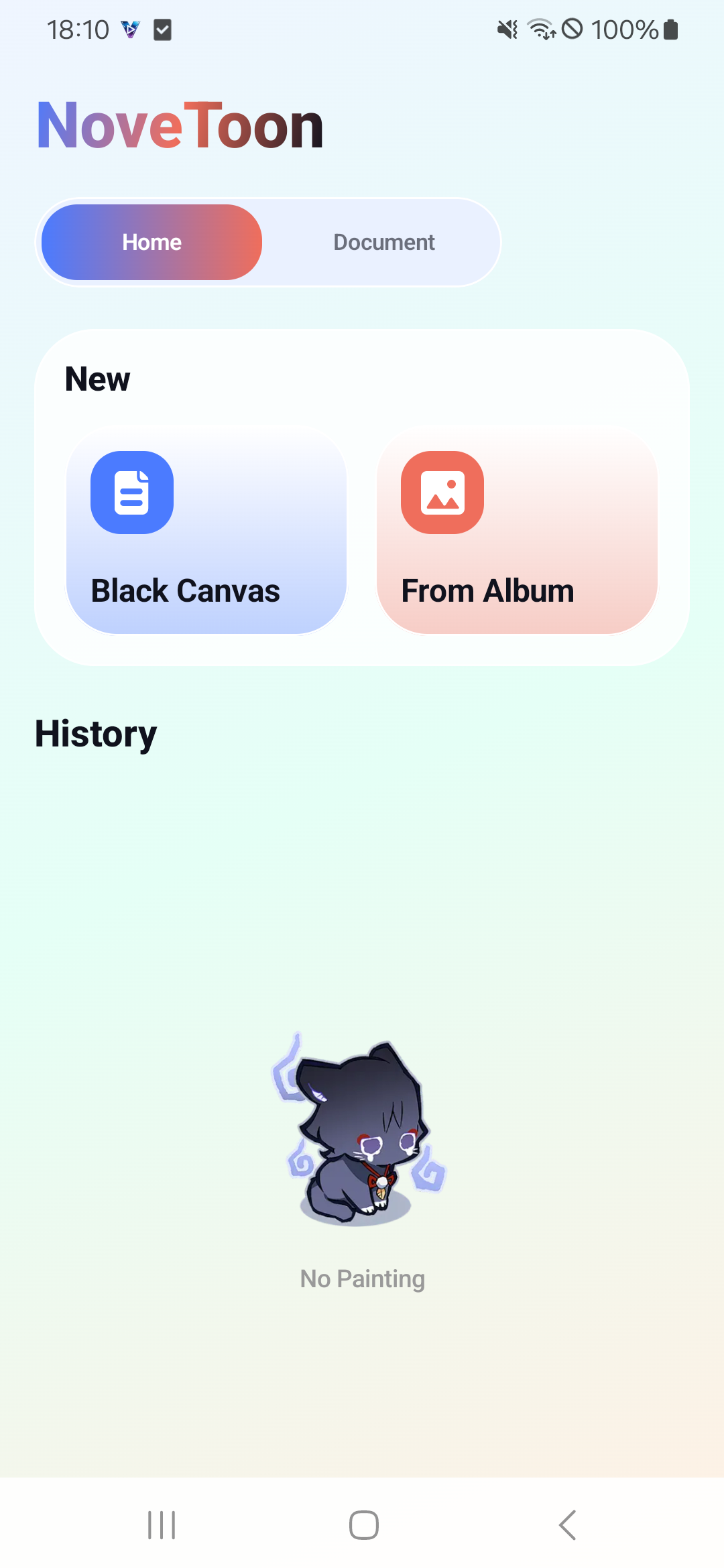
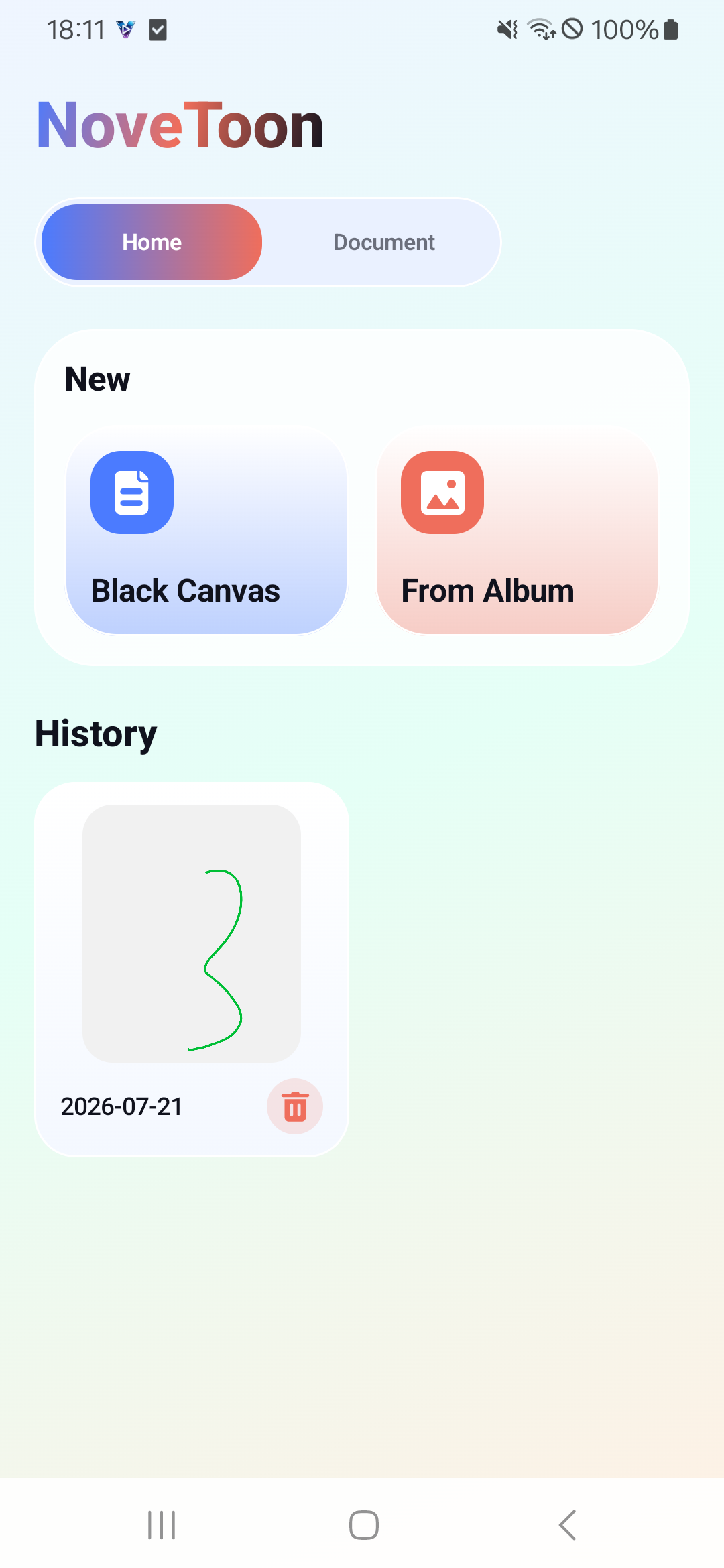
Open a blank canvas for a quick sketch, or bring in a picture from your album for simple markup.
Small canvas, quick ideas
NoveToon is a simple drawing board for fast notes, playful doodles, and image markups. Start from a blank canvas or import a picture, then export and share when the idea is ready.
NoveToon keeps the flow short: create, draw, adjust, and send. The app focuses on the everyday drawing actions people need without a heavy workspace.
Open a blank canvas for a quick sketch, or bring in a picture from your album for simple markup.
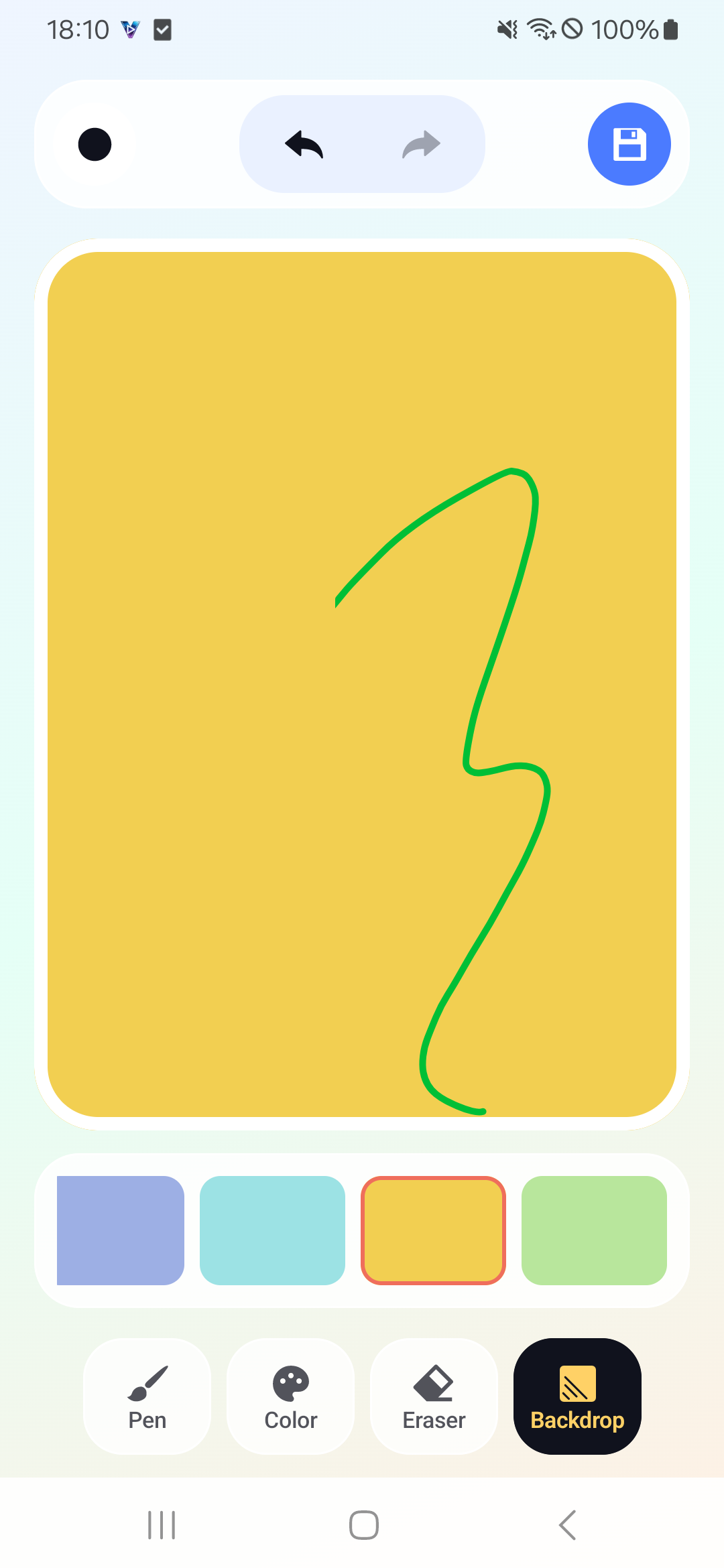
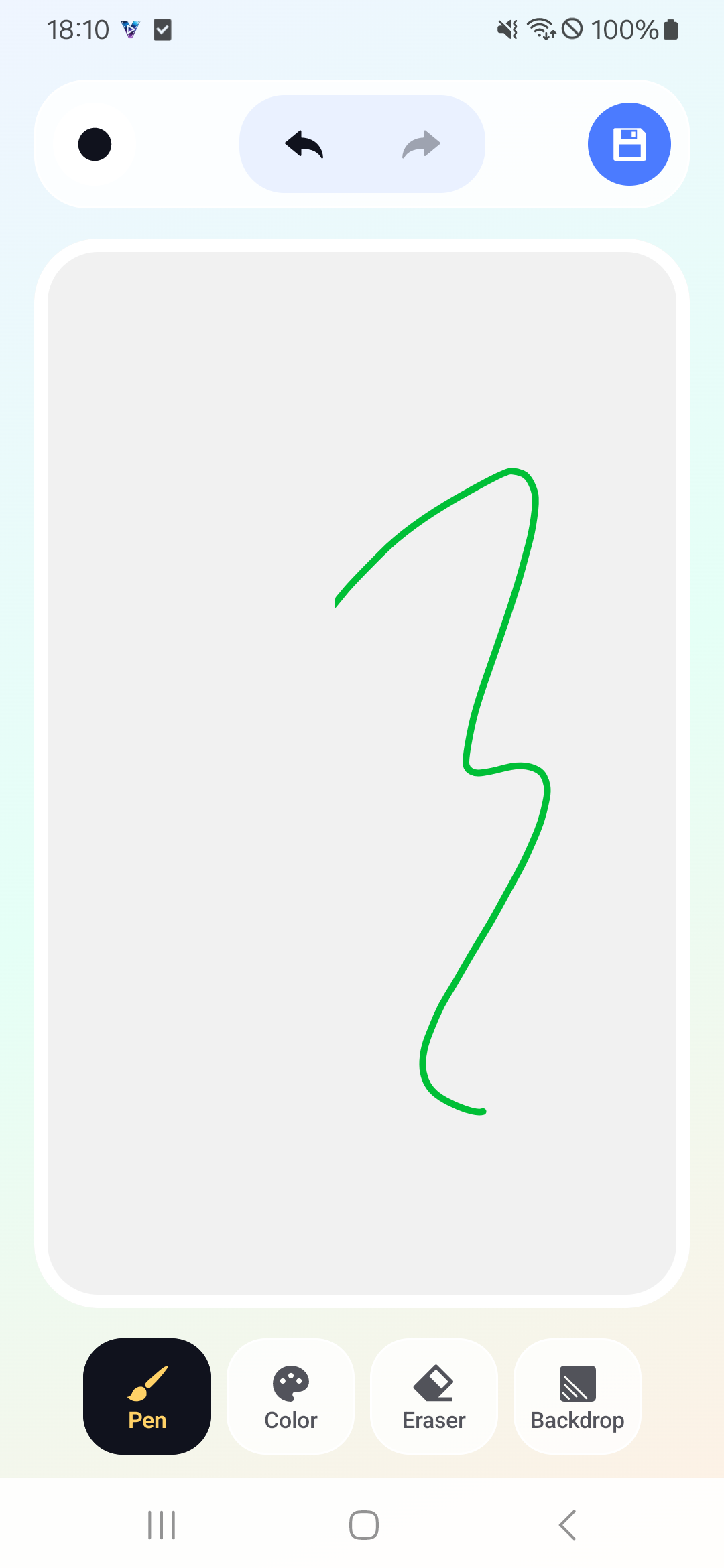
Use the pen for freehand notes, quick shapes, playful lines, and visual reminders.
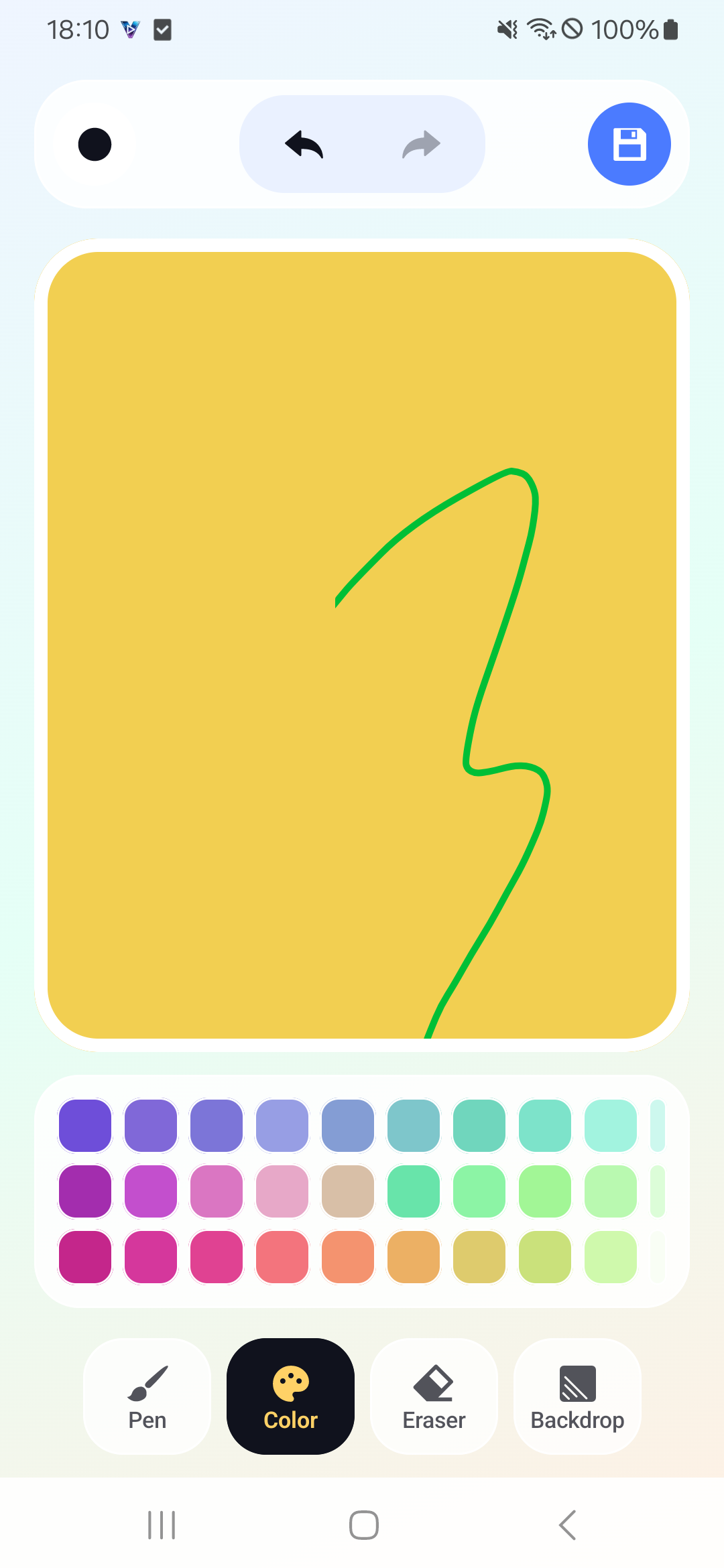
Pick drawing colors and background colors from compact palettes built for quick changes.
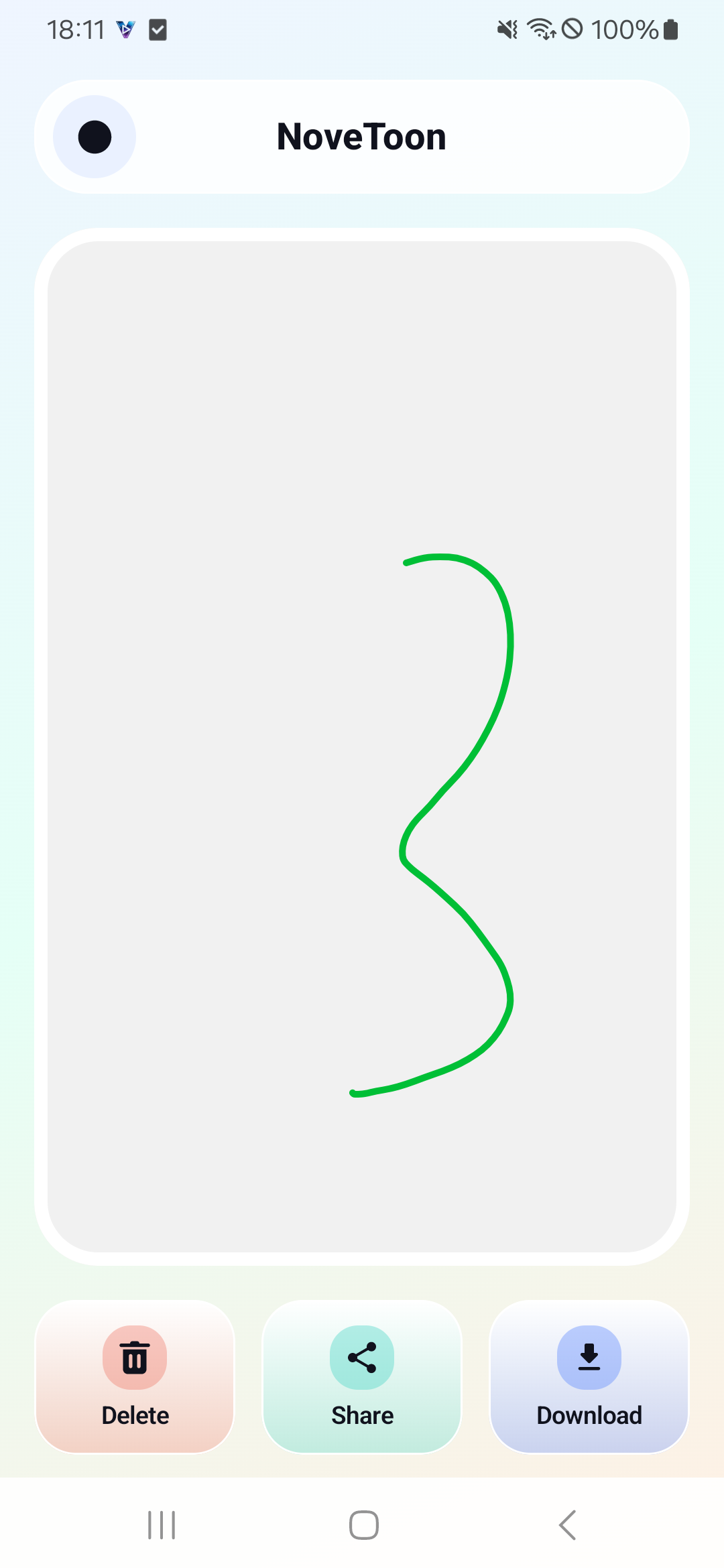
Save finished drawings, download the result, or share it directly when the canvas is ready.
Pen, color, eraser, backdrop
The main tools stay within reach, so small edits do not turn into a complex design session. Change the backdrop, adjust the pen color, erase a mark, and keep moving.
Freehand drawing is the main interaction, with undo and redo controls above the canvas.
Color and backdrop panels make it easy to change the feel of a quick sketch.
Finished drawings can be deleted, shared, or downloaded from the document view.
These screenshots show the actual app journey from the home screen to drawing, background selection, color picking, and saved history.
Contact
Send a message about drawing, importing images, exporting results, or general app support.
sool.creations@gmail.com